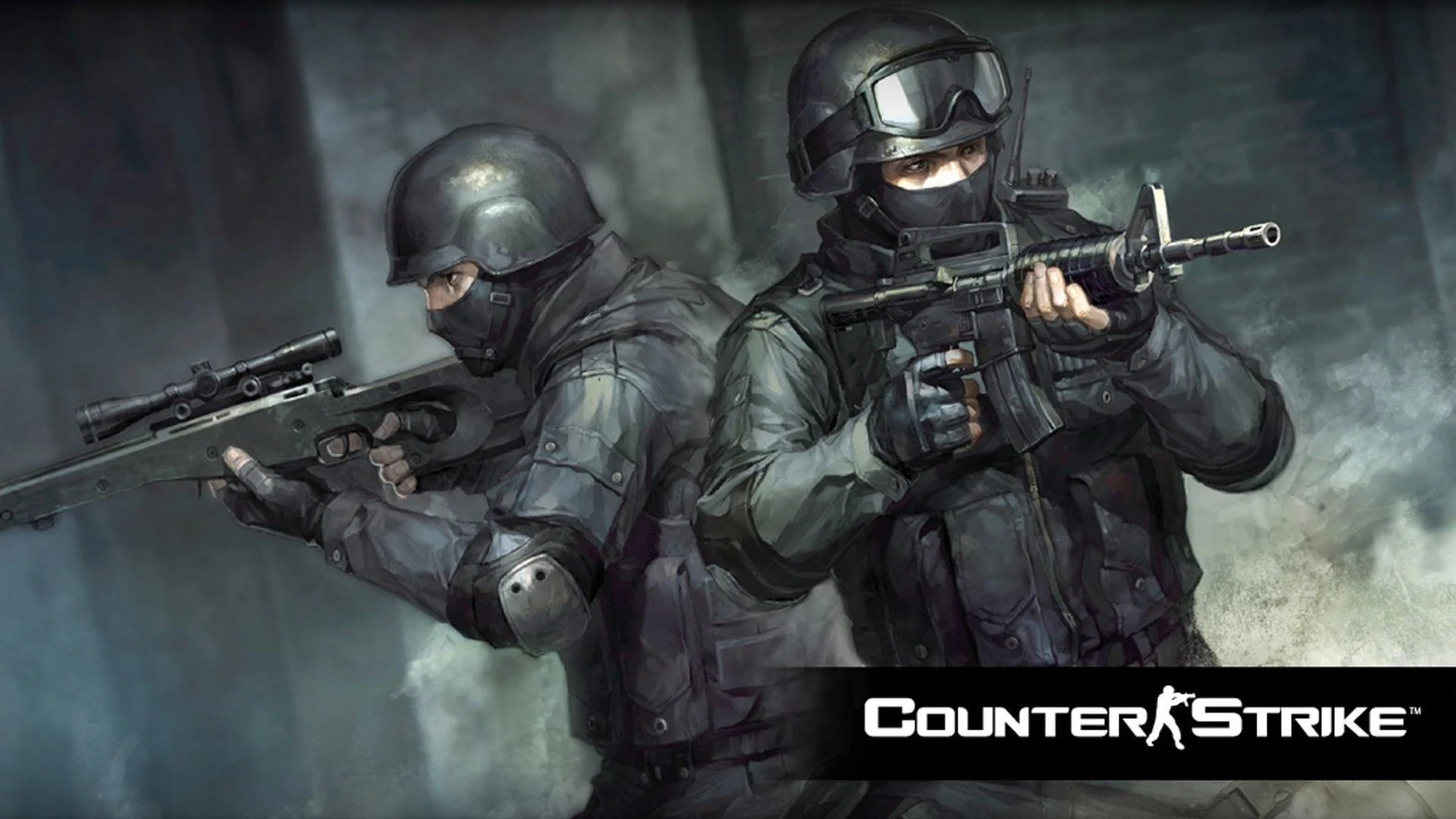
Premium Counter-Strike 1.6 Server Hosting
Host your own Counter-Strike 1.6 server with our high-performance hosting solutions. Low latency, custom mods, and 24/7 support.
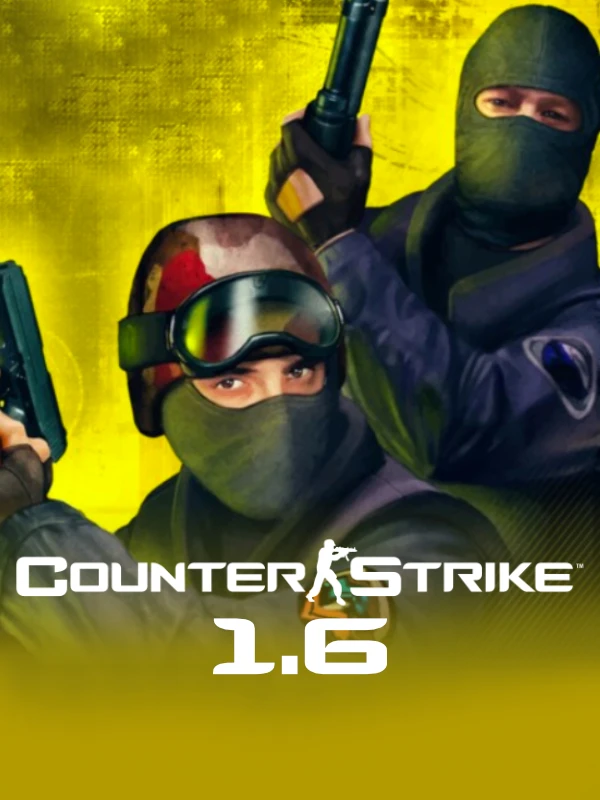
Game Server Features
Everything you need for a smooth, high-performance Counter-Strike 1.6 server
Up to 32 Player Slots
Host intense matches with support for up to 32 concurrent players.
DDoS Protection
Enterprise-grade protection to keep your server online even during attacks.
AMX Mod X Support
Full support for AMX Mod X plugins to customize your server experience.
Full FTP Access
Complete control over your server files for advanced customization.
Custom Maps
Easily upload and manage custom maps to enhance gameplay variety.
Optional A2S Caching
Achieve lower ping in various regions with our optional A2S Caching technology for better gameplay experience.
Server Plans
Choose the perfect plan for your Counter-Strike 1.6 server
Use code SPICE at checkout for 30% OFF your first month!
Basic
- SSD Storage
- 512MB RAM
- 1 vCPU Core
- DDoS Protection
- AMX Mod X Support
- Daily Backups
- Technical Support
Standard
- SSD Storage
- 1GB RAM
- 2 vCPU Cores
- DDoS Protection
- AMX Mod X Support
- Daily Backups
- Technical Support
- Custom Domain
- Plugin Installation Assistance
Premium
- NVMe Storage
- 2GB RAM
- 3 vCPU Cores
- DDoS Protection
- AMX Mod X Support
- Hourly Backups
- Priority Technical Support
- Custom Domain
- Dedicated IP
- Plugin Installation Assistance
- Server Performance Optimization
Getting Started
Setup Your Server in Minutes
Follow these simple steps to get your Counter-Strike 1.6 server up and running quickly.
- 1
Choose Your Plan
- Select the server plan that best fits your community size and resource needs.
- 2
Configure Your Server
- Set your server name, password, game mode, and other settings through our control panel.
- 3
Install Plugins
- Add AMX Mod X plugins to enhance the server experience with admin tools, game modes, and more.
- 4
Start Playing
- Invite friends to connect to your server via the IP address and enjoy classic Counter-Strike action.
Frequently Asked Questions
Get answers to the most common questions about our Counter-Strike 1.6 server hosting.
How do I install custom maps on my CS 1.6 server?
Installing custom maps on your CS 1.6 server is easy. Upload your .bsp map files to the server's "cstrike/maps" directory using FTP access. Then add the map to your server's mapcycle.txt file. You can also use our control panel's built-in map manager to upload and manage custom maps without FTP.
Can I add admin privileges to certain players?
Yes, you can add admin privileges using AMX Mod X. Edit the users.ini file in the addons/amxmodx/configs/ directory, adding the Steam IDs and access flags for your admins. Alternatively, use our control panel's admin manager to easily add and remove admins without editing files manually.
How do I change the game modes on my server?
Changing game modes in CS 1.6 involves installing the appropriate AMX Mod X plugins. Our servers come with pre-installed plugins for popular modes like Deathmatch, Zombie Plague, GunGame, and more. You can enable these through the control panel or by editing the plugins.ini file via FTP.
Does my server automatically update?
Yes, we ensure your Counter-Strike 1.6 server is always running the latest stable version. When Valve releases security patches or updates, we apply them during scheduled maintenance windows to minimize disruption. You'll receive notifications before any updates are applied.
Ready to relive the classic FPS experience?
Deploy your Counter-Strike 1.6 server today and enjoy the golden era of tactical shooting with friends.